 Flip through our history
Perform a validation of a sterilizer (autoclave) using temperature and pressure data logger it is a critical step in Performance Qualification (PQ) and serves to demonstrate that the sterilization process reaches and maintains predefined conditions (temperature and pressure) at all points in the chamber and load. This is essential to ensure sterility.
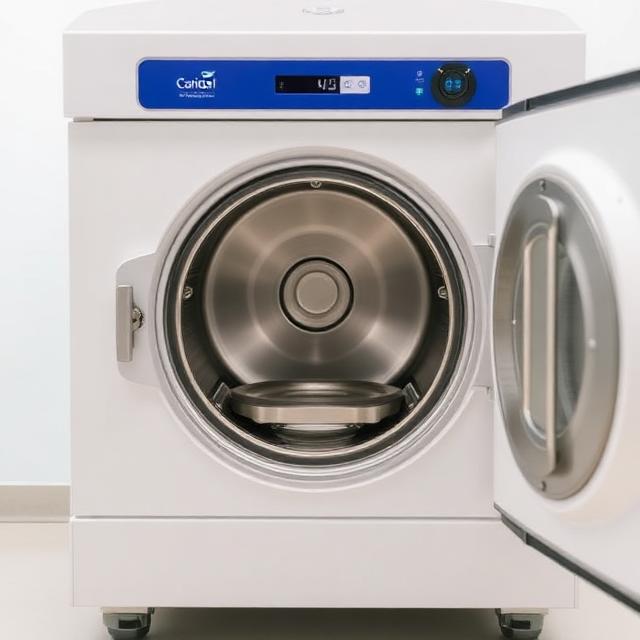
Here's how a data logger validation is performed, divided into phases:
1. Preparation and Planning
- Validation Protocol Definition: Before you begin, it is essential to have a detailed Validation Protocol. This document must specify:
- The goal of validation.
- The sterilizer to be validated (model, serial number).
- The cycles to be validated (e.g. 121°C for 15 min, 134°C for 3 min).
- The types of load to be tested (e.g. maximum load, worst-case load, standard load).
- The number of cycles to be performed for each load configuration (generally 3 consecutive cycles for each configuration).
- Acceptance criteria for temperature, pressure and holding time.
- The arrangement of data loggers and biological/chemical indicators.
- The calibration procedures and the software to use.
- Data Logger Selection and Calibration:
- Use certified and calibrated data loggers with sufficient accuracy to measure temperature and pressure. Calibration must be traceable to national or international standards. All Tecnosoft validation data logger are supplied with an Accredia-traceable calibration report proving their high accuracy and can be calibrated by Accredia. MT Calibration, an ISO 17025-certified laboratory with number 02317, part of the Tecnosoft Group, can calibrate immersion probe thermometers in the -80°C to 150°C range. Request a quote!
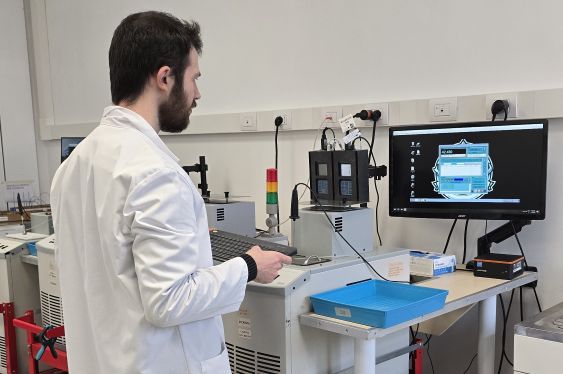
- Make sure you have enough sensors to adequately cover the chamber and load. If your logger inventory isn't sufficient for your order, don't worry! Contact Tecnosoft for a rental: you will have the number of devices you need for the peak workload you have to face!
- Data loggers must be resistant to high temperatures and pressures and suitable for the humid environment of the sterilizer. All Tecnosoft validation logger resist up to 140°C and 5 bar of pressure and are IP68, in AISI316L steel and Peek.
- Test Load Preparation:
- Assemble loads as specified in the protocol (e.g., standard loads, “worst-case” loads with complex tools, or porous loads).
- Place the biological indicators (BI) and the chemical indicators (CI) inside the loads, in the points considered most difficult for steam to reach and in the theoretical cold spots.
2. Positioning of the Data Loggers
This is the most critical step for obtaining representative data.
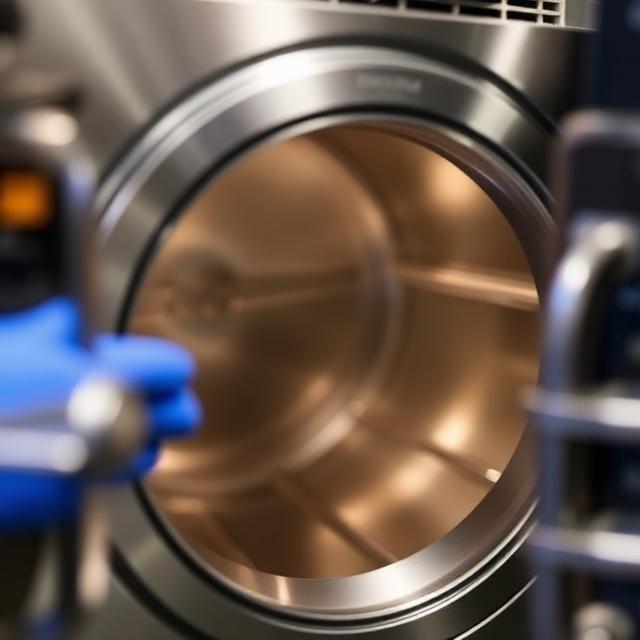
- Points in the Empty Room:
- Place some temperature and pressure sensors in the empty room of the sterilizer to map the heat distribution without the influence of the load. This is useful for understanding the sterilizer's intrinsic performance.
- Make sure the sensors do not touch the walls of the room (this could distort the reading).
- Points in Load:
- Cold Spot: Identify and place a sensor in the location that will theoretically be hardest for steam or heat to reach. This is often the center of a dense load, the deepest part of a hollow body, or the point closest to the exhaust (where the steam might remain coldest).
- Hot Spot: Place a sensor also in the theoretically hottest spot.
- Critical points within the load: Place sensors inside packages, bags, containers, or hollow devices that are part of the load. The distribution should reflect how heat penetrates the load.
- Room checkpoints: Also place sensors near the sterilizer's temperature and pressure probes to compare system readings with those from data loggers.
- Additional Considerations:
- Use brackets or clips to secure the sensors so they remain in the desired position throughout the cycle. Ask Tecnosoft for the accessories that will make your work easier!
- Document the location of each sensor precisely, perhaps with a diagram or photograph. TS Manager 3 by Tecnosoft, validation data management software, you can also create custom fields to indicate the location of each logger, as well as rename the loggers according to your needs.
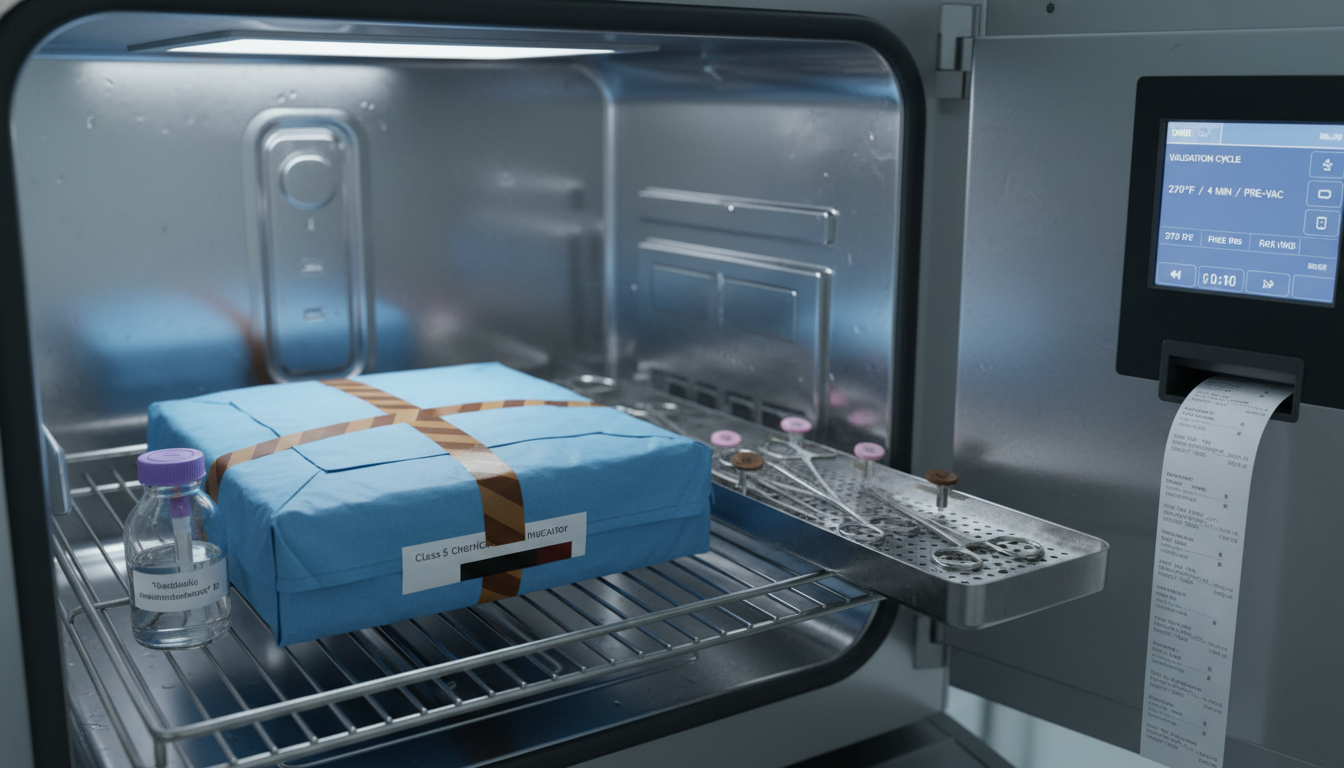
3. Execution of Validation Cycles
- Starting the Data Logger Software: Before each cycle, launch the loggers' data acquisition software and ensure they are recording readings correctly at predefined intervals (e.g., every 1-5 seconds).
- Charging the Sterilizer: Place the load with the data loggers inside the sterilizer as defined in the protocol.
- Run the Cycles: Start the specified sterilization cycles (e.g. 3 consecutive cycles for each load configuration).
- Monitoring: During the cycle, observe the sterilizer's operation and verify that there are no alarms or anomalies. Did you know that you can also monitor the cycle progress in real time directly from the data loggers? With the series BlueWave it's very simple and you receive data directly on your laptop (Bluetooth 5.0 required) without additional accessories.
4. Data Collection and Analysis
- Data Download: At the end of each cycle, retrieve the data loggers and download the data to the dedicated software. You can use standard Tecnosoft data loggers or download the data via Bluetooth with BlueWave e TS Manager 3.
- Chart Analysis:
- Temperature and Pressure vs. Time: Generate graphs showing temperature and pressure trends for each sensor over time.
- Uniformity: Evaluate the temperature and pressure uniformity throughout the chamber and inside the load during the plateau phase. All sensor readings should fall within an acceptable range (e.g., ±2°C from the nominal temperature).
- Hold Time: Verify that all sensors have reached and maintained the target temperature and pressure for the specified cycle duration.
- F0 (Fatality) or A0 (Lethality Value): For complex sterilization processes or for a more in-depth evaluation, the F0 value (or A0 for some cycles) can be calculated, which represents the equivalent of the time required to inactivate a specific number of microorganisms at 121.1°C (or another reference temperature). This value is calculated by integrating the temperature curve over time. TS Manager 3 implements the Lethality formula for calculating F and A automatically. Create your own Analysis profiles and quickly and easily apply them to the data you've collected.
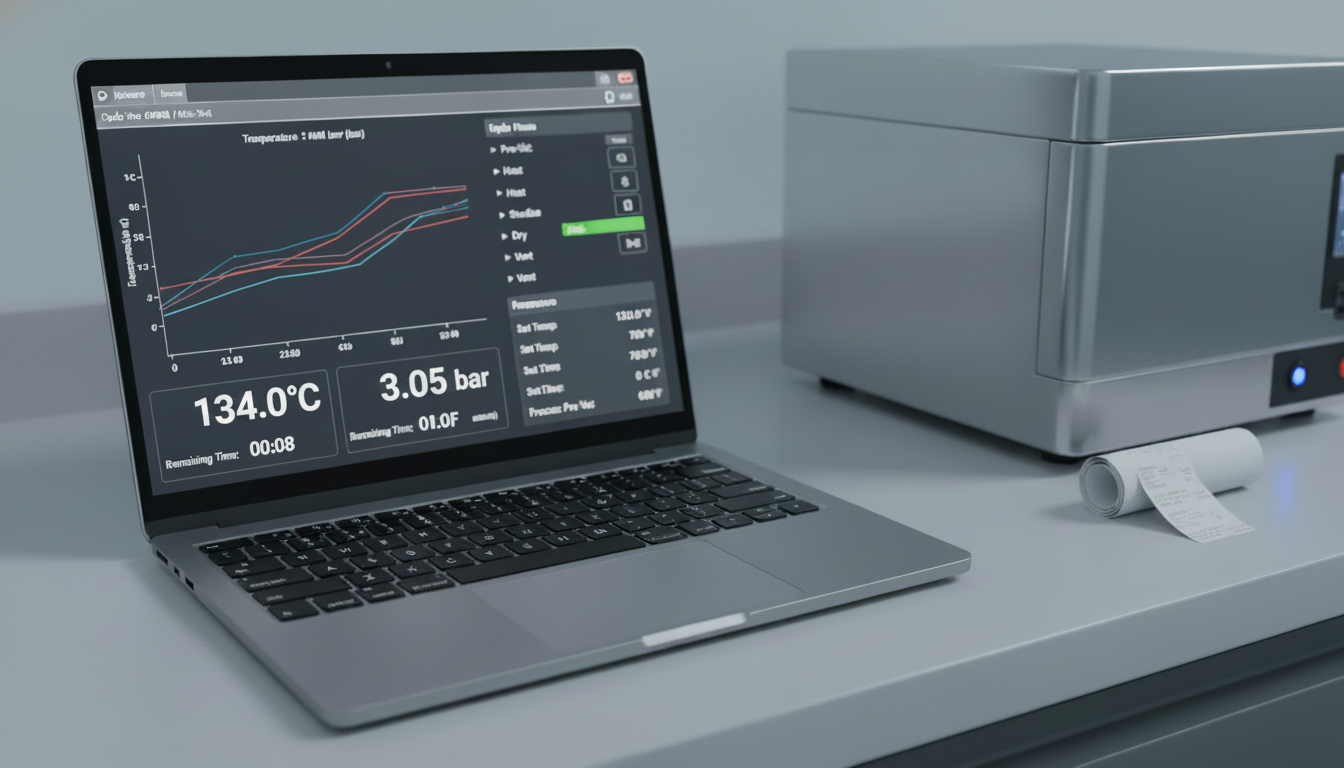
- Comparison with Acceptance Criteria: Compare the collected data with the acceptance criteria established in the validation protocol.
- Analysis of Biological and Chemical Indicators:
- Biological Indicators (BI): After incubation, check for bacterial growth. A positive BI (growth) indicates a failure of the cycle at that point.
- Chemical Indicators (CI): Verify that they have correctly changed to the expected color/state, confirming exposure to sterilization conditions.
5. Drafting of the Validation Report
- Complete Documentation: Prepare a detailed report that includes:
- Validation objectives.
- Description of the sterilizer.
- Description of data loggers and their calibration.
- Description of the tested loads and sensor placement (with diagrams/photos).
- Raw and analyzed results (graphs, data tables).
- Results of biological and chemical indicators.
- Discussion of the results in relation to the acceptance criteria.
- Conclusions on sterilizer and process compliance.
- Any deviations and corrective actions.
- Recommendations for routine monitoring.

You can request Tecnosoft for a customization of TS Manager to print reports using your specific templates. We can build the report just the way you want, and you can forget about copying and pasting data!
6. Approval and Maintenance
- Approval: The validation report must be reviewed and approved by qualified personnel. TS Manager 3 allows you to add spaces for the Operator, Validator, and Customer signatures.
- Revalidation: Validation is not a single event. It is necessary to foresee a periodic revalidation (e.g. annually or in case of significant changes to equipment, load or routine failures) to ensure that the process remains valid over time.
The use of reliable data loggers and a rigorous methodology are essential for accurate validation, ensuring the safety and effectiveness of the sterilization process. Tecnosoft data loggers are recognized as among the most robust and reliable on the market thanks to meticulous design and comprehensive testing of every device produced.
Tags
More news


What is measurement Uncertainty?


